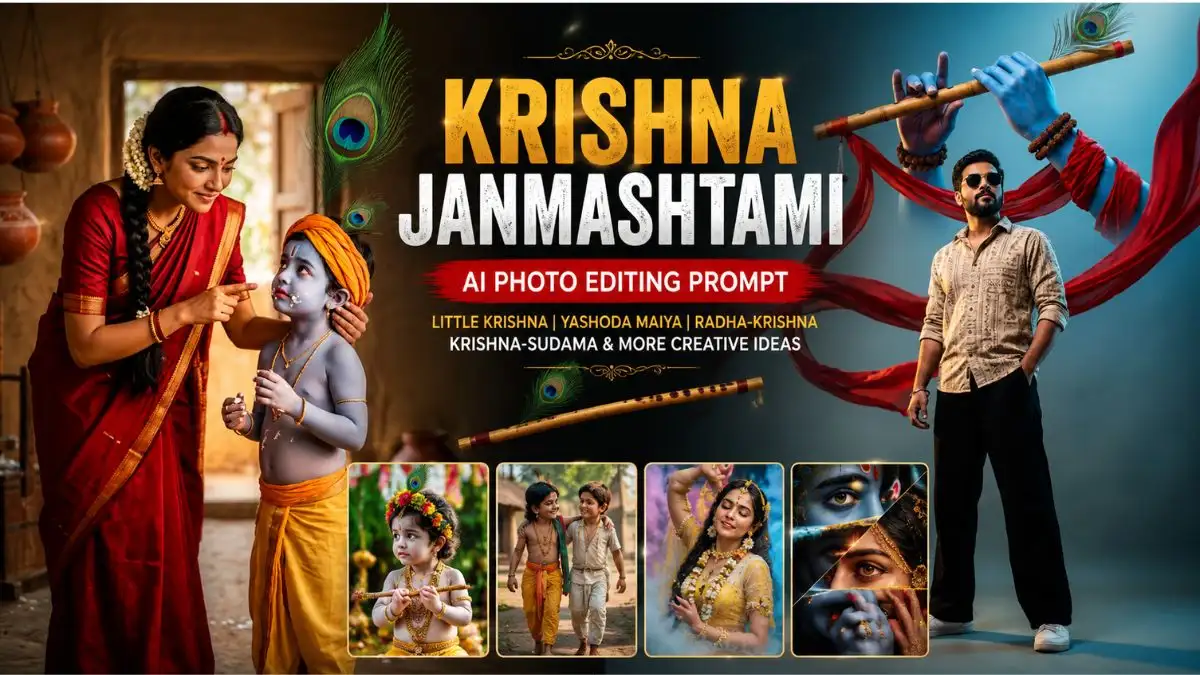
Krishna Janmashtami is a beautiful occasion to create devotional, traditional and creative AI images inspired by Lord Krishna, Radha Rani, Yashoda Maiya and Krishna’s childhood stories. With the right prompt, you can turn an ordinary reference photo into a realistic Janmashtami-themed portrait while keeping the visual details natural.
In this collection, you’ll find Krishna Janmashtami AI Photo Editing Prompt ideas for babies, boys, Bal Krishna, Maa Yashoda, Krishna-Sudama friendship and Radha-Krishna-inspired portraits. Each prompt focuses on a different visual concept so you can choose the style that matches your photo.
How to Create Krishna Janmashtami AI Photos Using Gemini
Creating a Janmashtami-themed AI photo in Gemini is quite simple. You only need a clear reference photo and the right prompt to guide the image style, outfit, expression and background.
- Step 1: Open Gemini
- Open Google Gemini on your phone or computer and sign in to your Google account if required.
- Step 2: Upload Your Photo
- Tap the image/upload option and select the photo you want to edit. For better results, choose a clear photo where the face is visible and not heavily covered by sunglasses, hair or other objects.
- Step 3: Choose Your Janmashtami Prompt
- Select one of the Krishna Janmashtami AI Photo Editing Prompts from this article. Choose the prompt according to the look you want—for example, Little Krishna, Maa Yashoda, Krishna-Sudama or a Radha-Krishna-inspired portrait.
- Step 4: Paste the Prompt in Gemini
- Paste the complete prompt into the Gemini chat along with your uploaded image. If you want to preserve the original face, make sure the prompt clearly says to maintain the person’s facial identity and natural features.
- Step 5: Let Gemini Generate the Image
- Send the prompt and wait for Gemini to create the edited image. Depending on the complexity of the scene, the first result may not always be perfect.
- Step 6: Check the Important Details
- Before using the image, carefully check the face, hands, fingers, eyes, jewellery, clothing and background. These details can sometimes change during AI editing.
- Step 7: Ask Gemini for a Specific Correction
- If something looks wrong, don’t rewrite the entire prompt. Give Gemini a short correction such as:
- “Keep the face exactly the same as the uploaded photo. Correct the hands and make the Krishna outfit look more natural while keeping the rest of the image unchanged.”
- This usually makes the editing process easier and keeps the desired composition more consistent.
- Step 8: Save the Final Image
- Once the result looks right, save the generated image and use it for your Janmashtami AI photo, social media post, profile picture or creative article image.
Quick Tip for Better Gemini Results
For realistic results, don’t rely only on words like “8K” or “ultra-realistic.” Describe the actual details you want—natural skin texture, realistic lighting, traditional clothing, facial expression, camera perspective and background. This gives Gemini clearer instructions and can produce a more believable final image.
Cute Baby Krishna Photo Prompt
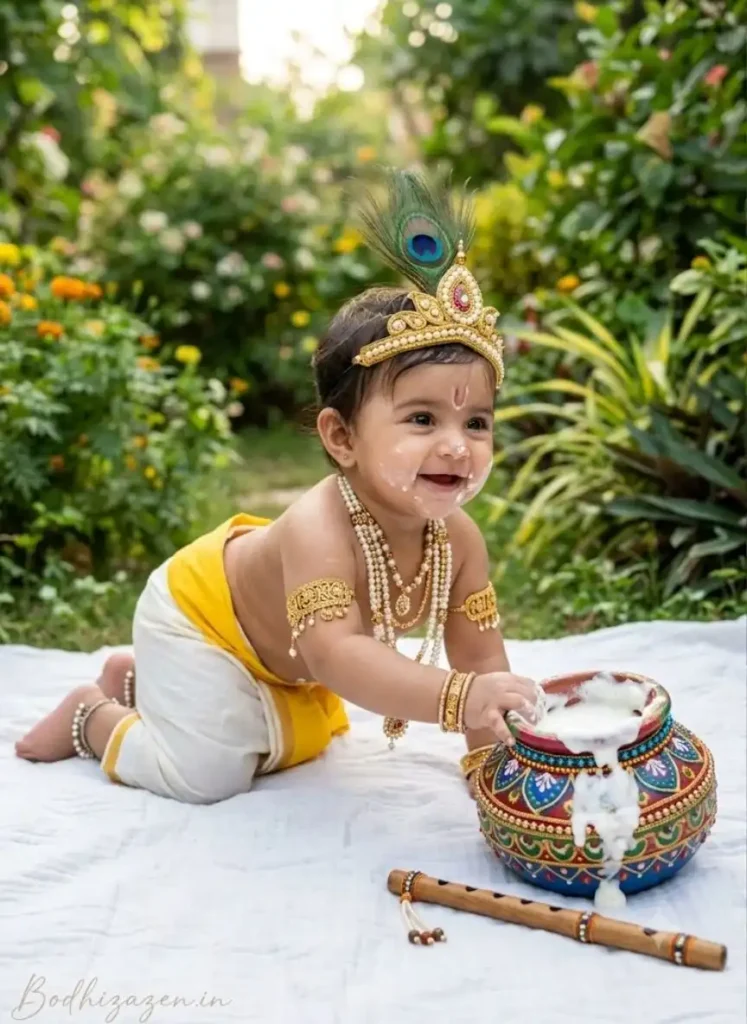
This Little Krishna AI Photo Prompt is designed around the playful childhood side of Krishna. The crawling pose, butter-filled matka, flute and traditional jewellery create a sweet Janmashtami scene while keeping the setting simple and photographic.
Janmashtami AI Photo Prompts
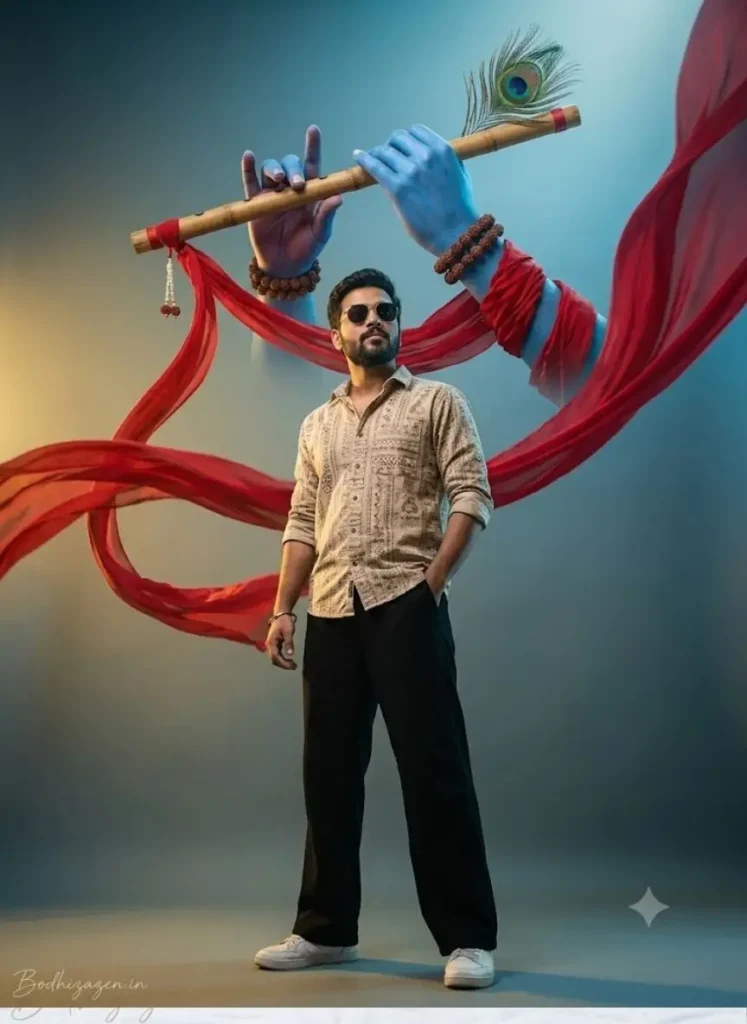
If you want a more dramatic Krishna AI Photo Prompt, this concept combines a modern male portrait with traditional Krishna symbolism. The blue hand, flute, peacock feather and flowing red fabric give the image a striking devotional-cinematic appearance.
Yashoda Maiya Krishna AI Photo Prompt
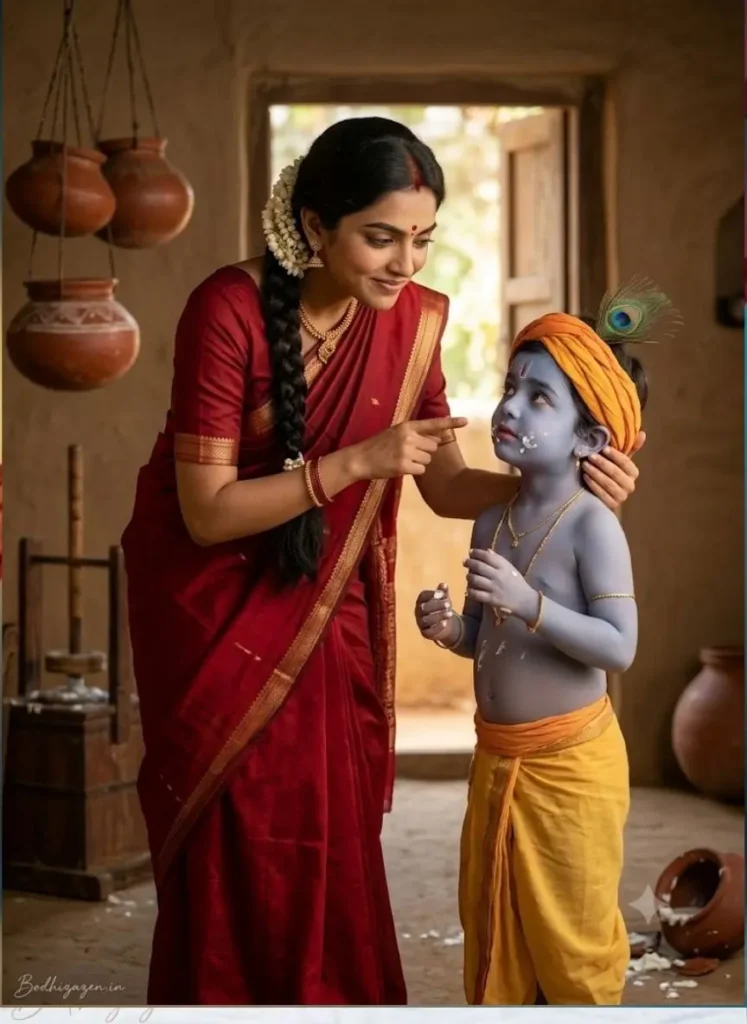
This is one of the most story-driven Yashoda Maiya Krishna AI Photo Prompt ideas in the collection. Instead of making the characters look like fantasy artwork, the prompt focuses on a realistic mother-and-child moment after Krishna has been caught stealing butter.
Little Krishna AI Photo Prompts
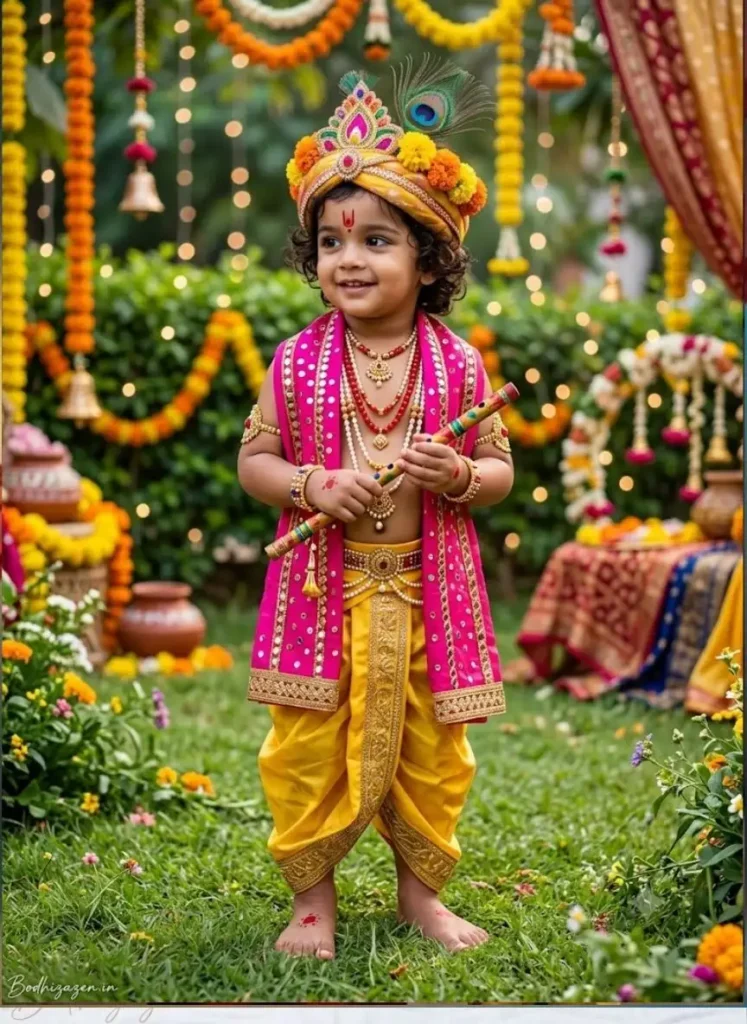
For a brighter and more festive look, this Janmashtami AI Photo Prompt transforms a toddler into a colourful Little Krishna. The pink mirror-work angavastra, yellow dhoti, flute and decorated garden make it suitable for a cheerful celebration-themed portrait.
Childhood Krishna and Sudama Friendship
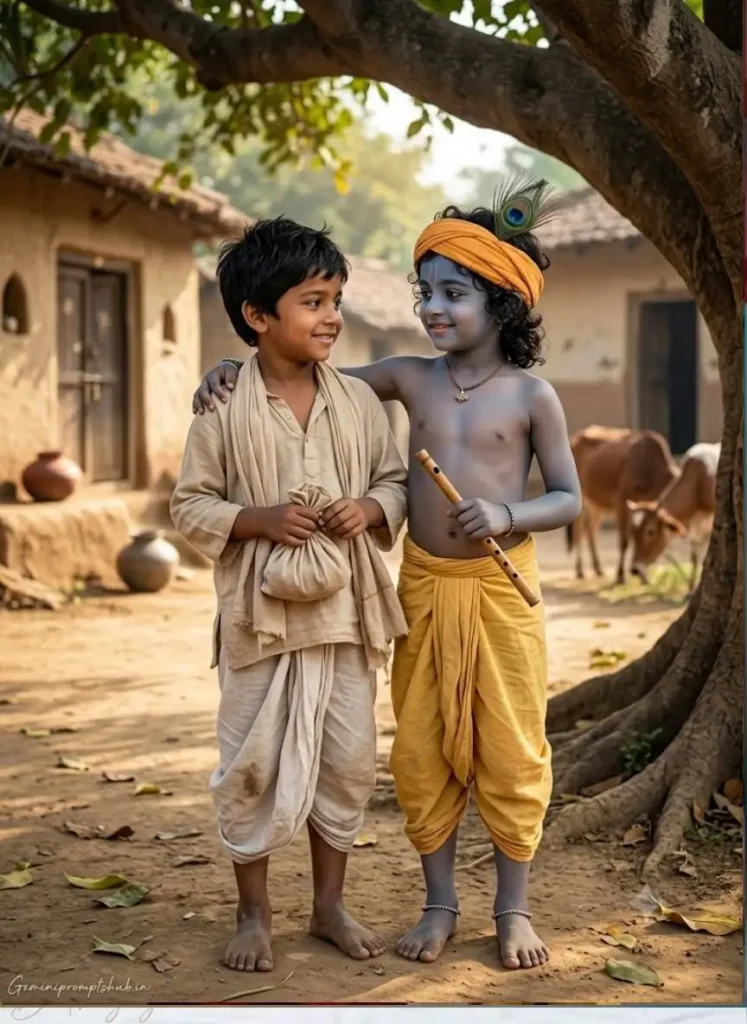
This Shri Krishna Sudama Ji AI Photo Prompt focuses on one of the most touching themes associated with Krishna: genuine childhood friendship. Instead of making the scene overly royal or magical, the prompt creates a simple ancient village environment with two children enjoying an ordinary moment together.
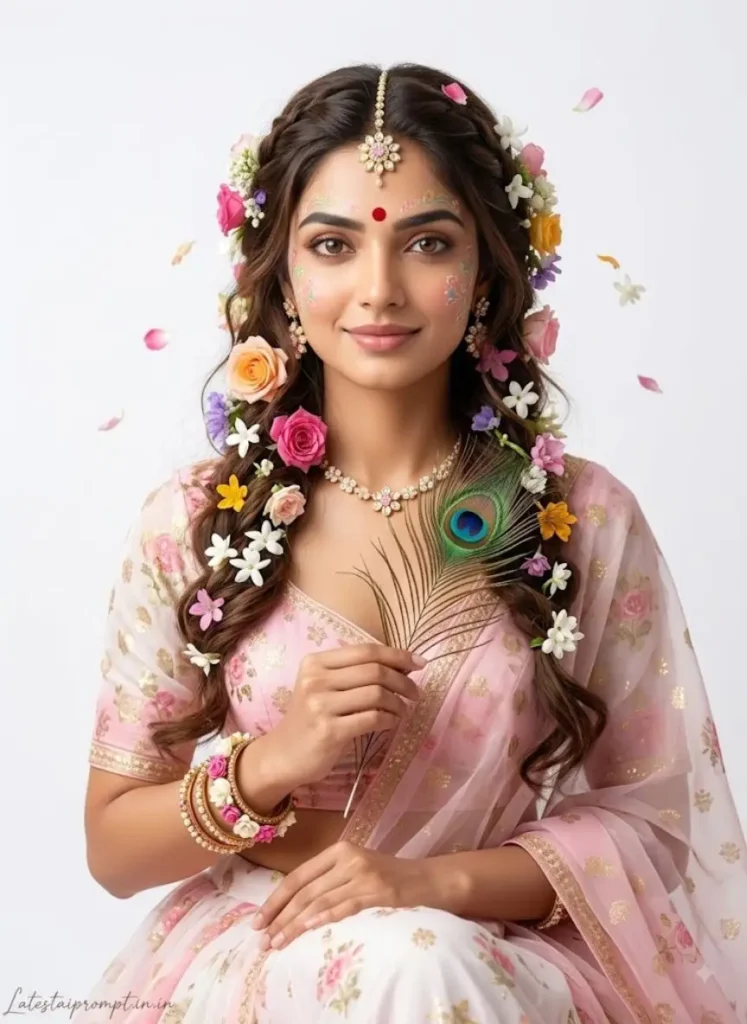
Radha Rani Ai Photo Prompt
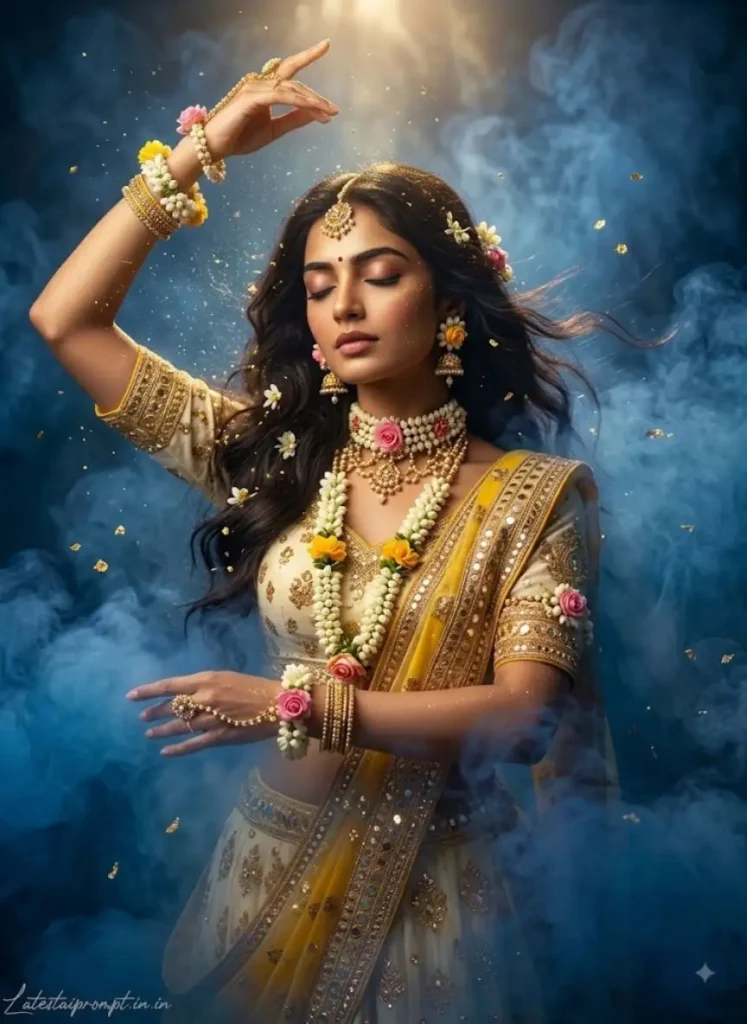
Natkhat Krishna AI Photo Prompt
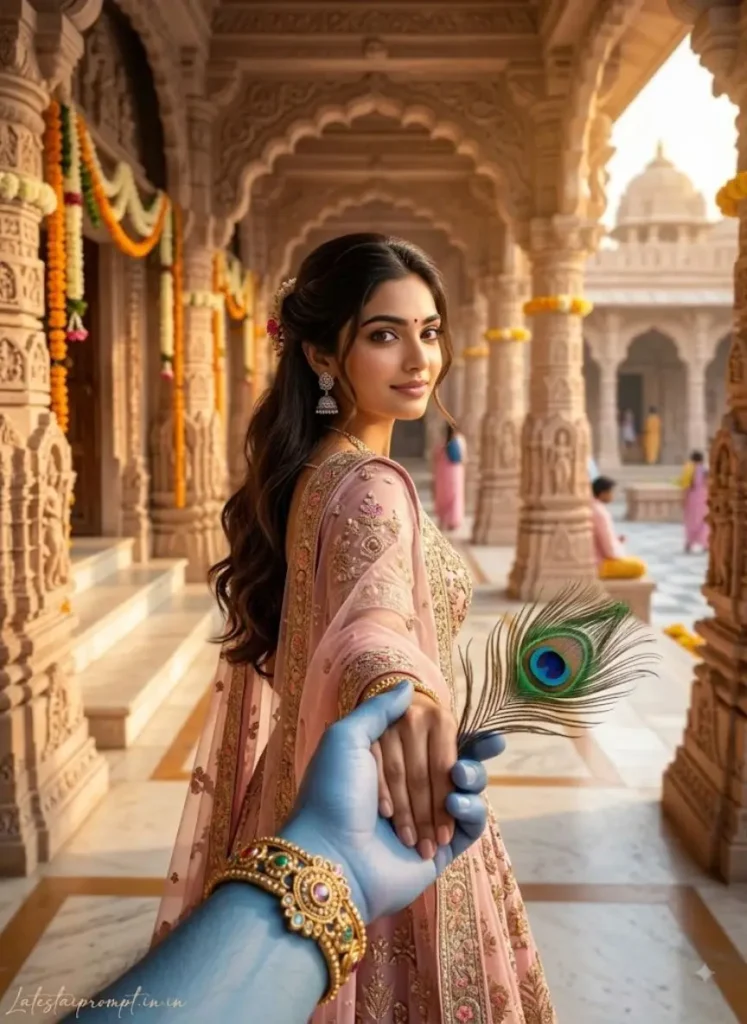
Janmashtami Radha Look Photo Prompts
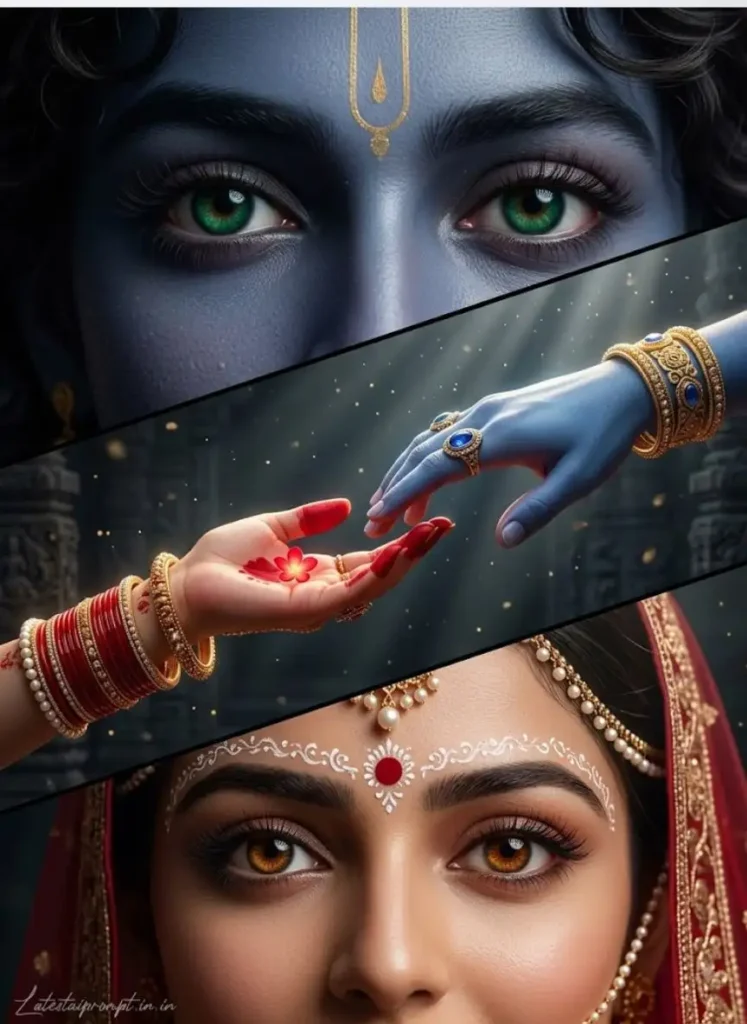
Radha-Krishna AI Photo Prompt
Tips for More Realistic Janmashtami AI Images
- Use a clear, front-facing reference photo when editing someone’s face.
- Mention identity preservation when the original face needs to remain recognizable.
- Keep traditional jewellery and clothing specific rather than using only “royal” or “traditional.”
- For children, describe natural child proportions to avoid an adult-looking result.
- Use realistic lighting and skin texture instead of relying heavily on “8K” and “HDR.”
- If the first generation changes a face, correct that specific issue rather than rewriting the entire prompt.
- Keep the 3:4 vertical format when the image is intended for Instagram-style portraits or article prompt examples.
- Check hands, fingers, jewellery and facial details before using the final image.
Final Thoughts
These Krishna Janmashtami AI Photo Editing Prompt ideas cover different moods—from cute Little Krishna and the butter-stealing story to Krishna-Sudama friendship and artistic Radha-Krishna portraits. The key is to describe the story, clothing, expressions, environment and photographic style clearly.
For personal photo editing, a good reference image combined with specific instructions can help create a more natural result while keeping the person’s recognizable features intact. Experiment with different Janmashtami AI Photo Prompts and choose the concept that best fits your photo and celebration theme.
More trending AI photo editing prompts you might like:-